Windows 11 26H2 Rolls Out With Three Confirmed Issues
MS has officially begun rolling out this year’s annual update, Windows 11 26H2. Although it introduces no major consumer-facing additions, the release is not free from bugs. Because Windows 11 26H2 shares its underlying code with versions 25H2 and 24H2, issues affecting those releases can also appear in 26H2. MS has confirmed at least three problems.
Audio May Stop Working on Some PCs
The first confirmed bug can prevent audio from working on certain PCs. Adjusting the volume, even to 100%, does not restore sound.
MS warned that after installing Windows 11 version 26H2, some USB Audio Class 1.0 devices may fail to start or produce audio.
When the problem occurs, connected headphones and microphones may stop functioning, while Device Manager displays a “Device cannot start” error. Disabling or removing the driver does not resolve the issue because the failure originates within Windows.
Attempts to troubleshoot the problem through Sound settings may create additional difficulties, as the settings page can become unresponsive or crash. MS is investigating and plans to provide a fix in a future update.
For now, the bug affects Windows 11 versions 26H2, 25H2, and 24H2. It is the same issue introduced on Windows 11 25H2 and 24H2 devices through the September 2026 update.
All three Windows 11 versions use the same underlying code and servicing branch, allowing a recently introduced bug to appear across each release.
MS previously explained that an issue affecting 26H2 will also affect 25H2, and vice versa. The same update can therefore address the problem in both versions because they use identical source code and update packages.
Some Enterprise PCs May Experience Sign-In Failures
A second Windows 11 26H2 issue affects certain machine accounts protected by Credential Guard. These accounts may lose their secure channel, preventing users from signing in.
The problem is limited to enterprise environments that use Active Directory, where affected devices may reject otherwise valid domain credentials.
According to MS, the issue occurs because Windows 11 26H2 enables the Machine Identity Isolation feature. Although the update does not directly activate enforcement, it causes Windows to recognize existing or policy-configured settings that already enable Machine Identity Isolation enforcement.
MS is investigating the root cause and is expected to address the problem in a future Windows update.
Azure Virtual Desktop Hosts May Display Black Screens
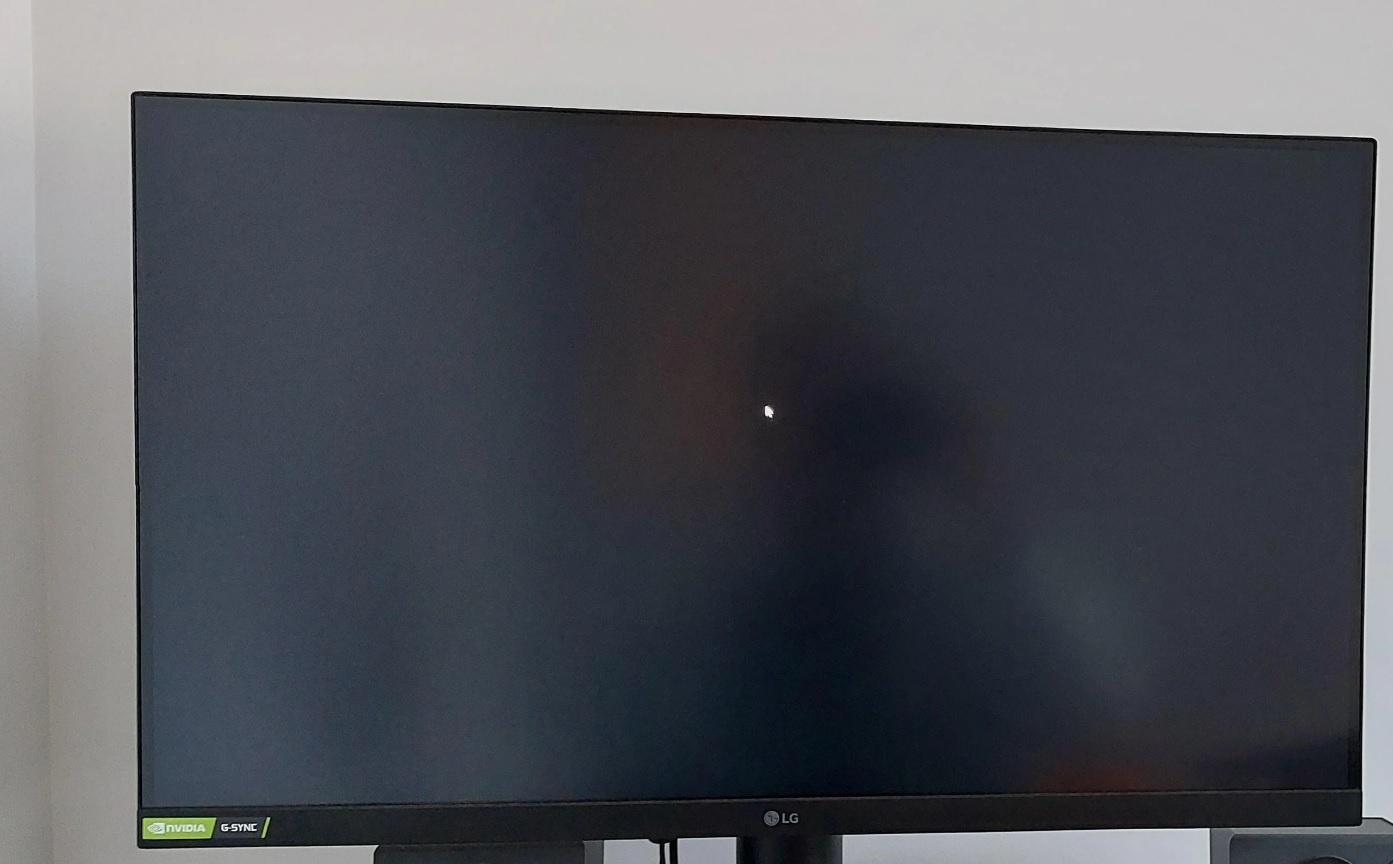
The third confirmed issue can cause black screens or prevent the desktop from loading correctly. Although the symptoms may appear serious, the bug does not affect most consumer devices.
MS has confirmed that the problem is limited to Azure Virtual Desktop (AVD) hosts.
After Windows 11 26H2 and subsequent updates are installed, some devices may encounter desktop-loading failures. MS noted that the issue appears more frequently with certain existing user profiles.
The company is continuing to investigate and is expected to provide further information when available.
Should You Skip Windows 11 26H2?
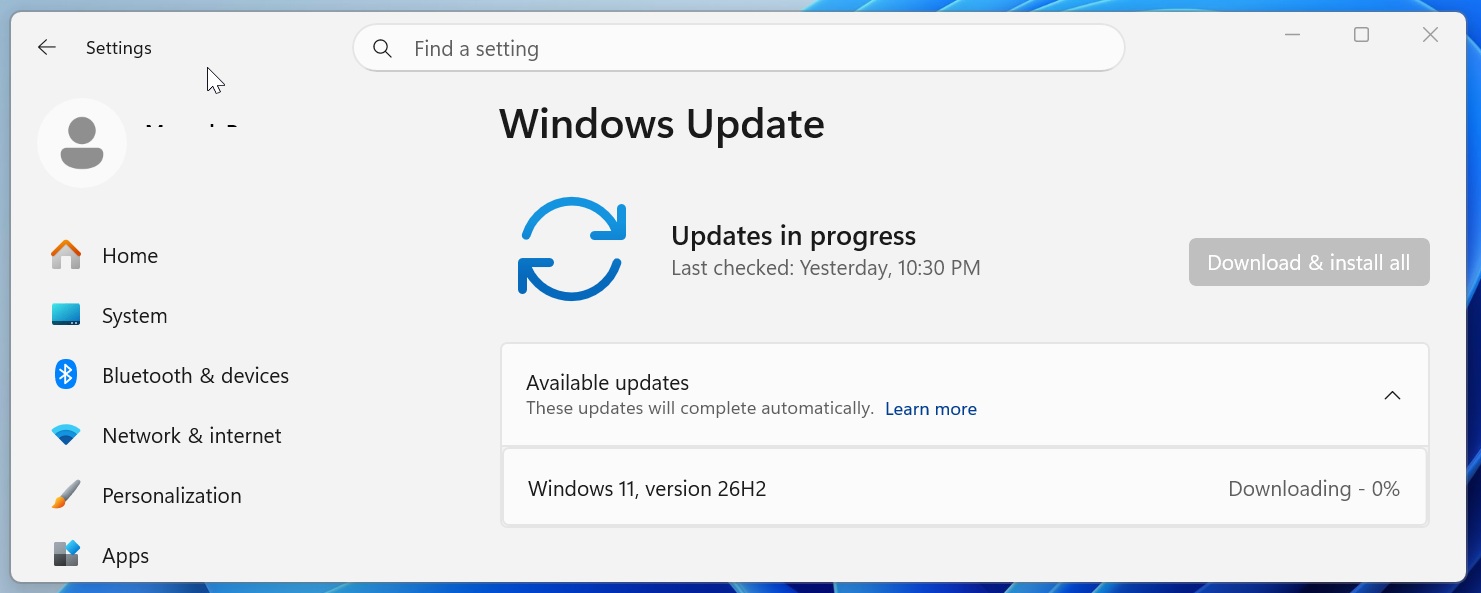
There is little reason to avoid Windows 11 26H2 solely because of bugs already present in versions 24H2 or 25H2. The update does not make substantial changes for consumers. Upgrading from either version is handled through an enablement package (eKB), which primarily changes the operating system version and build number.
MS says that moving between Windows versions on the same servicing branch significantly reduces the risk of application or hardware compatibility problems.
Windows 11 versions 26H2, 25H2, and 24H2 are powered by the same source code without meaningful underlying differences. As a result, they receive the same security and non-security fixes, as well as the same known issues.
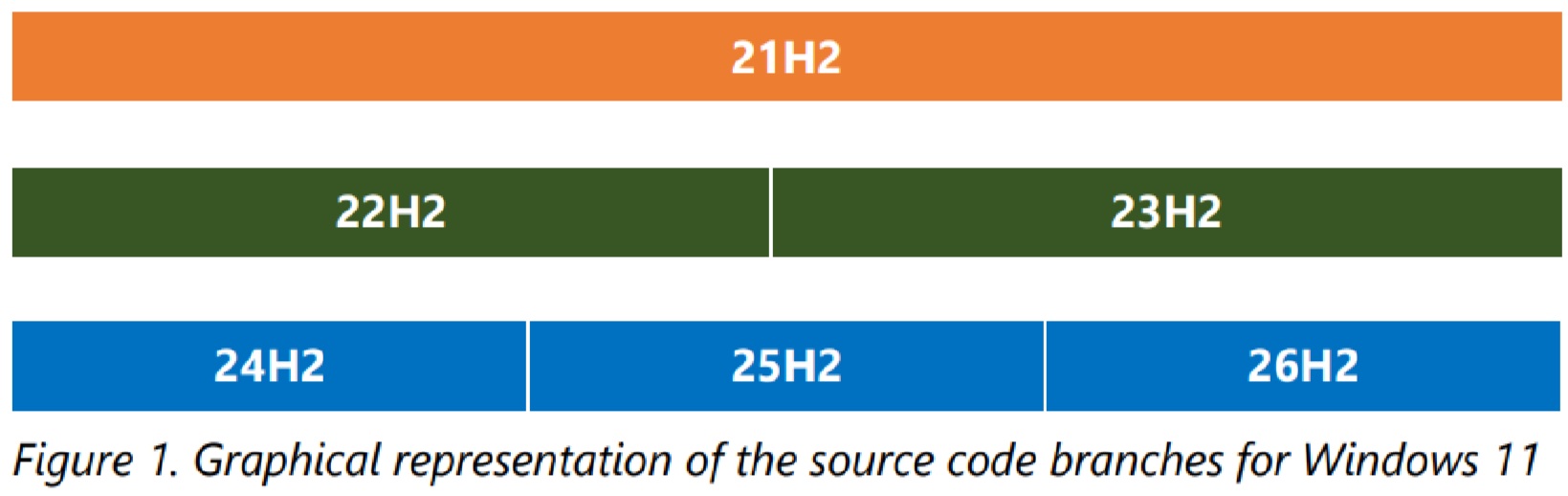
MS uses this shared codebase to make the Windows upgrade process more stable and reduce compatibility risks.
When devices move between Windows releases on the same servicing branch, the process more closely resembles a monthly quality update than a traditional operating system replacement.
Windows 11 26H2 will also activate features that were previously distributed through gradual rollouts. Users who did not receive them earlier may finally gain options such as making the Start menu smaller or moving the taskbar.