How Windows 95 Code Still Survives Inside Windows 11

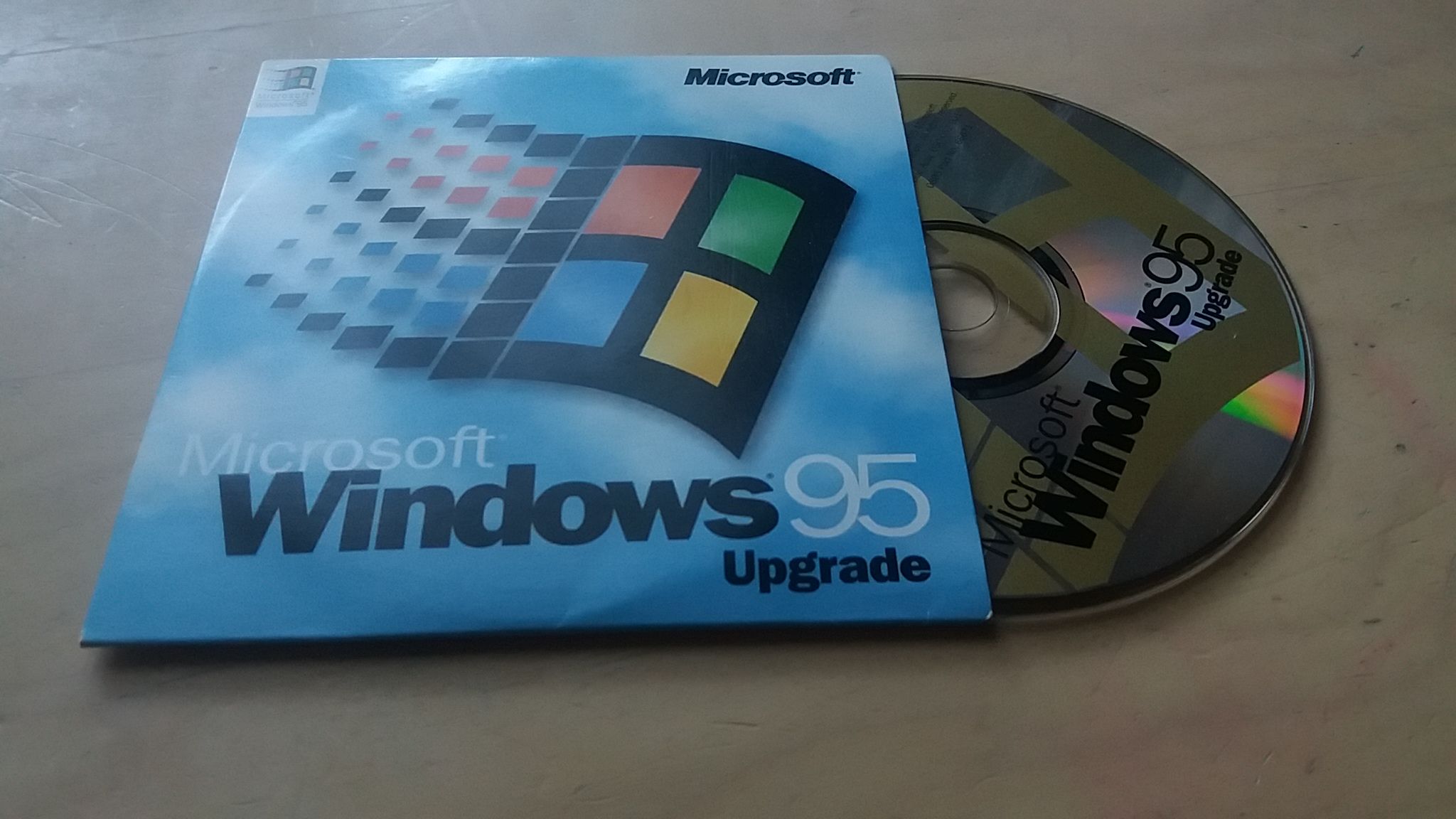
Windows 11 still includes a functional piece of the Windows 95 kernel. A compatibility fix called EmulateHeap provides certain older applications with behavior that mirrors Windows 95’s more forgiving memory manager. The fix remains listed on Windows 11 26H2 systems.
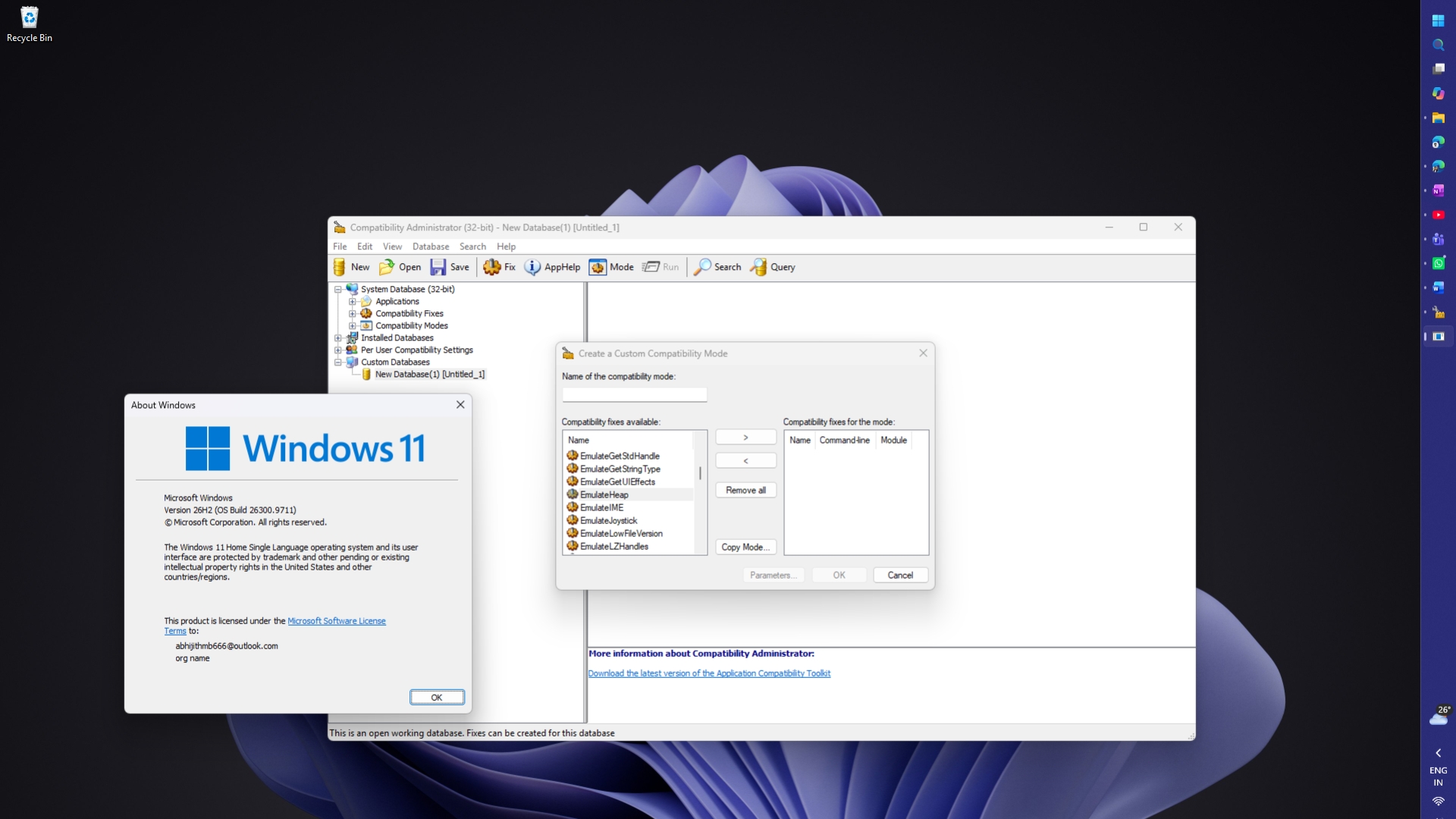
This commitment to backward compatibility can be traced to SimCity, which ran properly on Windows 95 only after MS created special operating-system code for it.
MS Changed Windows 95 Memory Management for SimCity
Applications request memory from Windows while running and release it when that memory is no longer needed. Reading memory after it has been released is a bug known as use-after-free, and the original SimCity for Windows 3.x contained such a flaw.
Joel Spolsky, a Stack Overflow co-founder and former MS engineer, described the issue in a 2000 essay that cited Jon Ross, who developed that version of SimCity. Ross acknowledged that the game mistakenly read memory immediately after freeing it. The problem went unnoticed on Windows 3.x because the contents of that memory remained available.
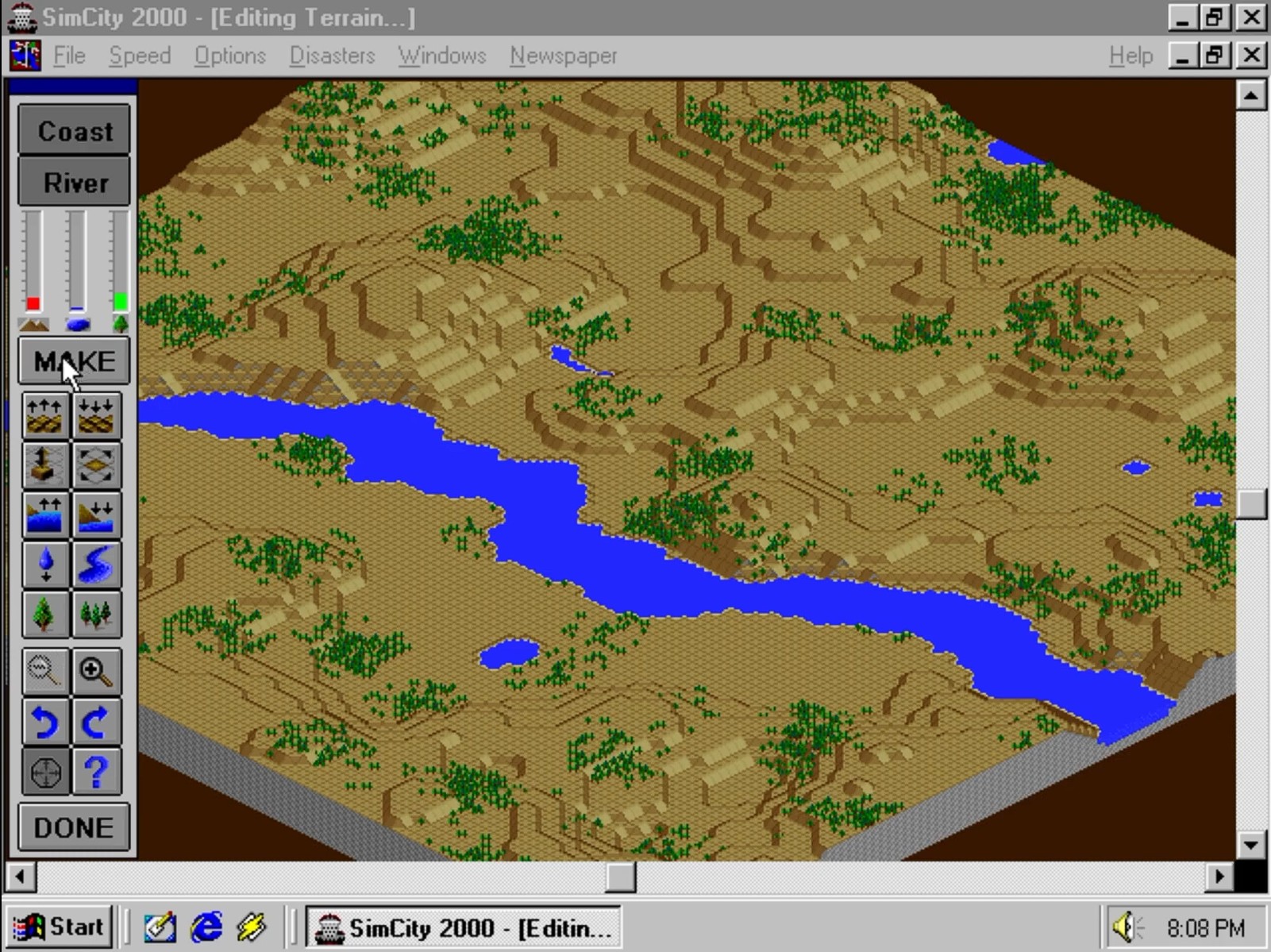
SimCity stopped working correctly on Windows 95 beta builds. Rather than waiting for the game to be patched, MS added code that detected when SimCity was running and placed the memory allocator into a special mode that did not immediately release memory.
In effect, MS modified Windows to compensate for a bug in a single game.
MS Recompiled the Windows 95 Heap Manager for Older Applications
The SimCity workaround was designed for one program, but other applications relied on similar behavior. MS engineer Raymond Chen explained in a 2010 Windows Confidential column that some software depended on quirks in the Windows 95 heap, including the ability to read released memory and find its previous values unchanged.
Those applications could crash on later Windows releases because newer versions handled memory differently.
MS addressed this problem with EmulateHeap. The compatibility fix redirects an application’s heap-related calls—including functions ranging from HeapCreate to LocalLock and GlobalReAlloc—to replacement implementations that reproduce Windows 95 behavior.
Chen characterized the solution as both extremely simple and highly unusual: MS took the Windows 95 Heap Manager source code, recompiled it, and incorporated it into the application compatibility infrastructure.
As a result, a significant portion of the Windows 95 kernel exists within the Windows application compatibility framework. However, this legacy code is loaded from storage only when EmulateHeap is enabled for a specific application. Windows 11 is not continuously running Windows 95 code in the background.
EmulateHeap is separate from the original SimCity workaround. Both reflect MS’s extensive focus on backward compatibility, later demonstrated by Windows XP’s hidden database of application fixes, but they are distinct solutions.
How to Find EmulateHeap on Windows 11
EmulateHeap can be viewed through Compatibility Administrator, MS’s free tool for IT administrators that lists compatibility fixes included with Windows. MS defines a compatibility fix, also known as a shim, as a small piece of code that intercepts API calls made by applications.
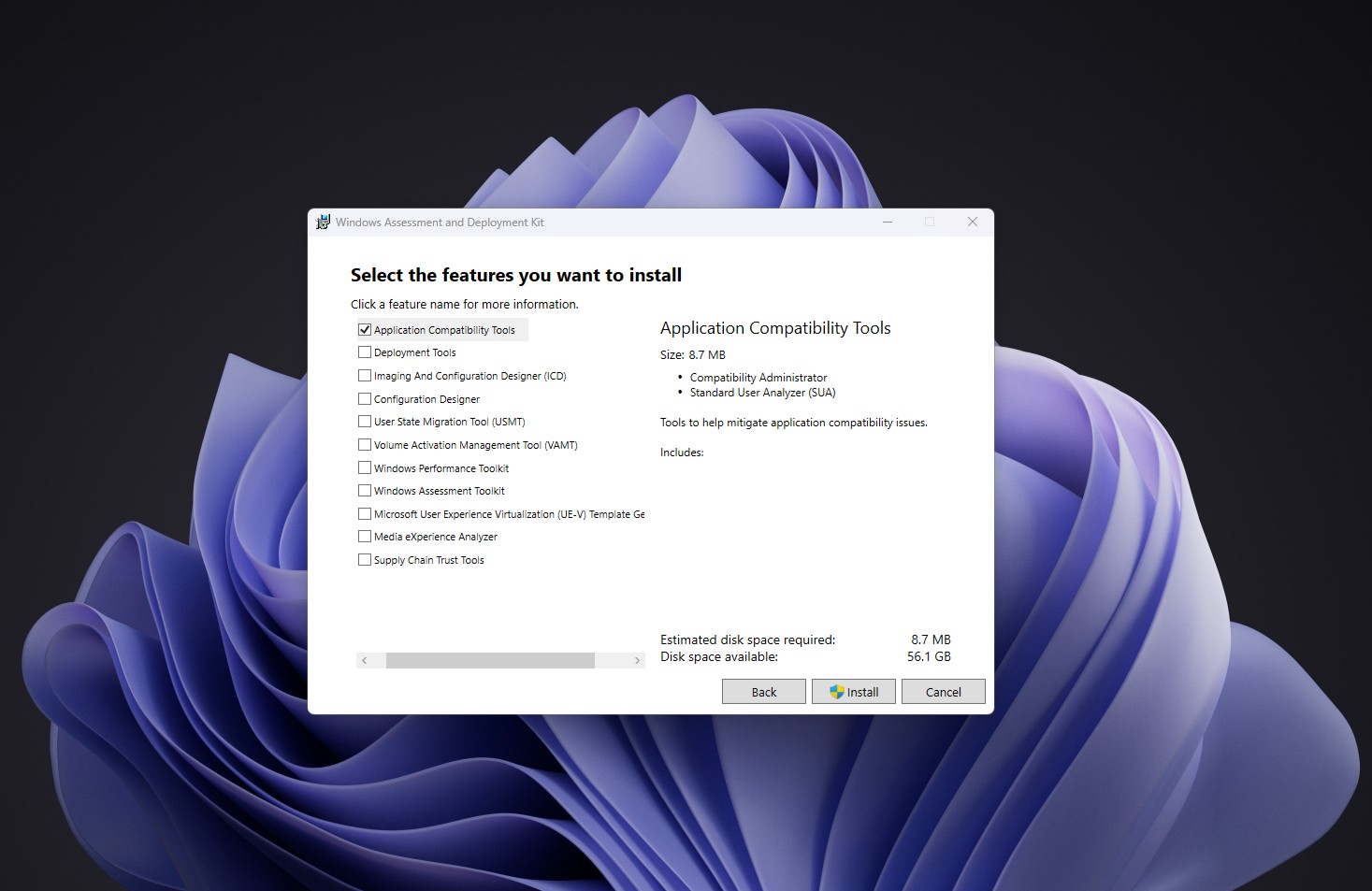
Compatibility Administrator is included with the Windows Assessment and Deployment Kit (ADK). The September 2026 release officially supports Windows 11 26H2, where EmulateHeap can be located using the following process:
Install the Windows ADK and select Application Compatibility Tools.
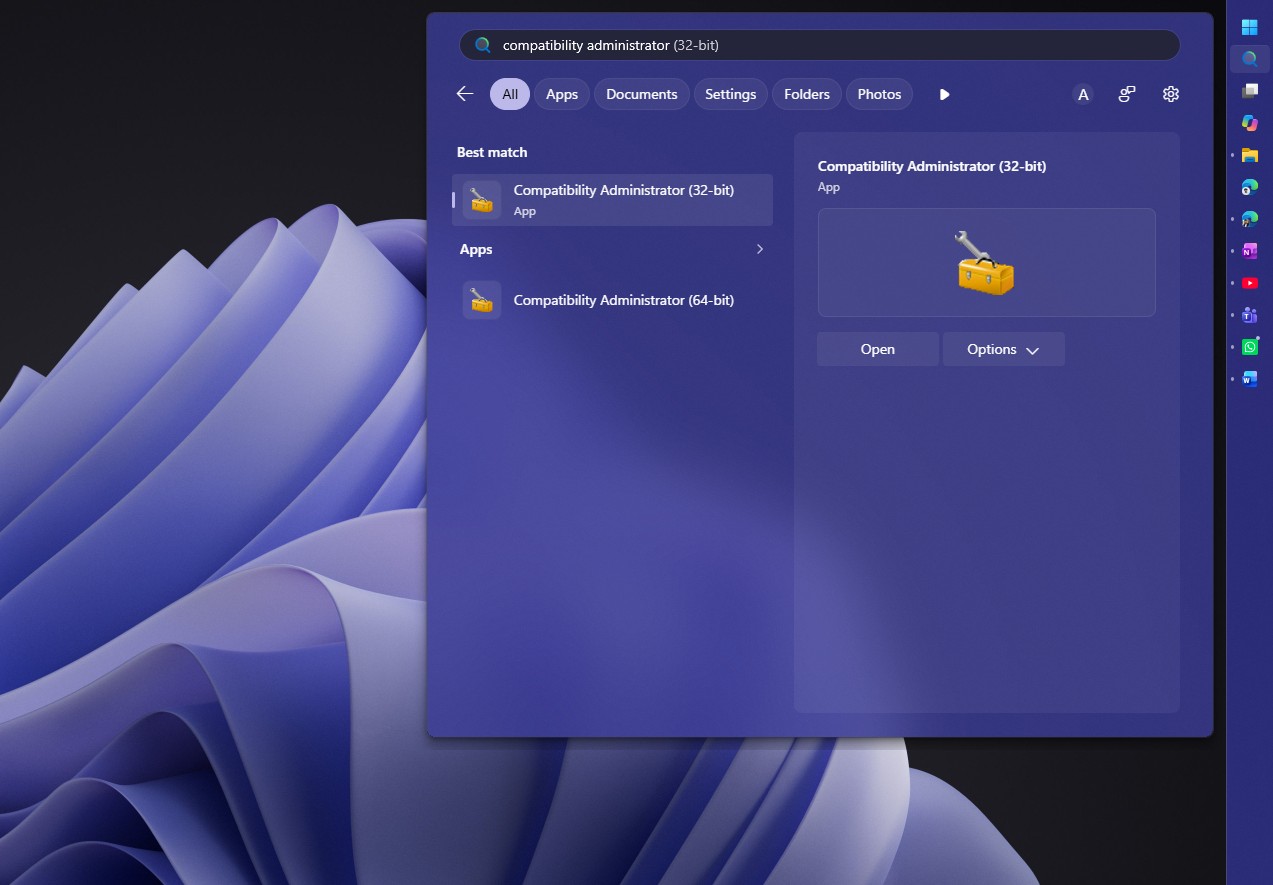
Open the 32-bit Compatibility Administrator from the Start menu.
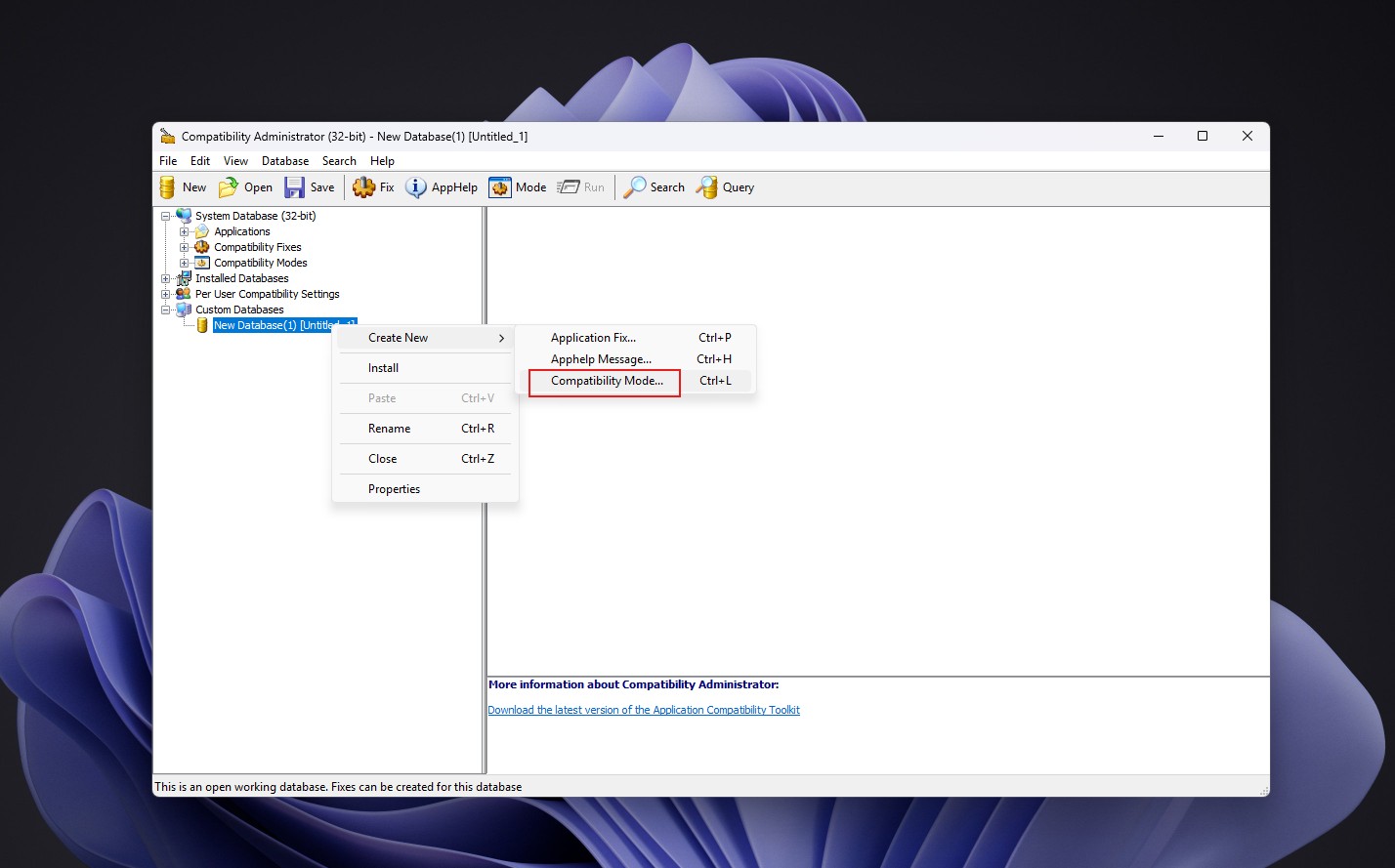
Create a new compatibility database.
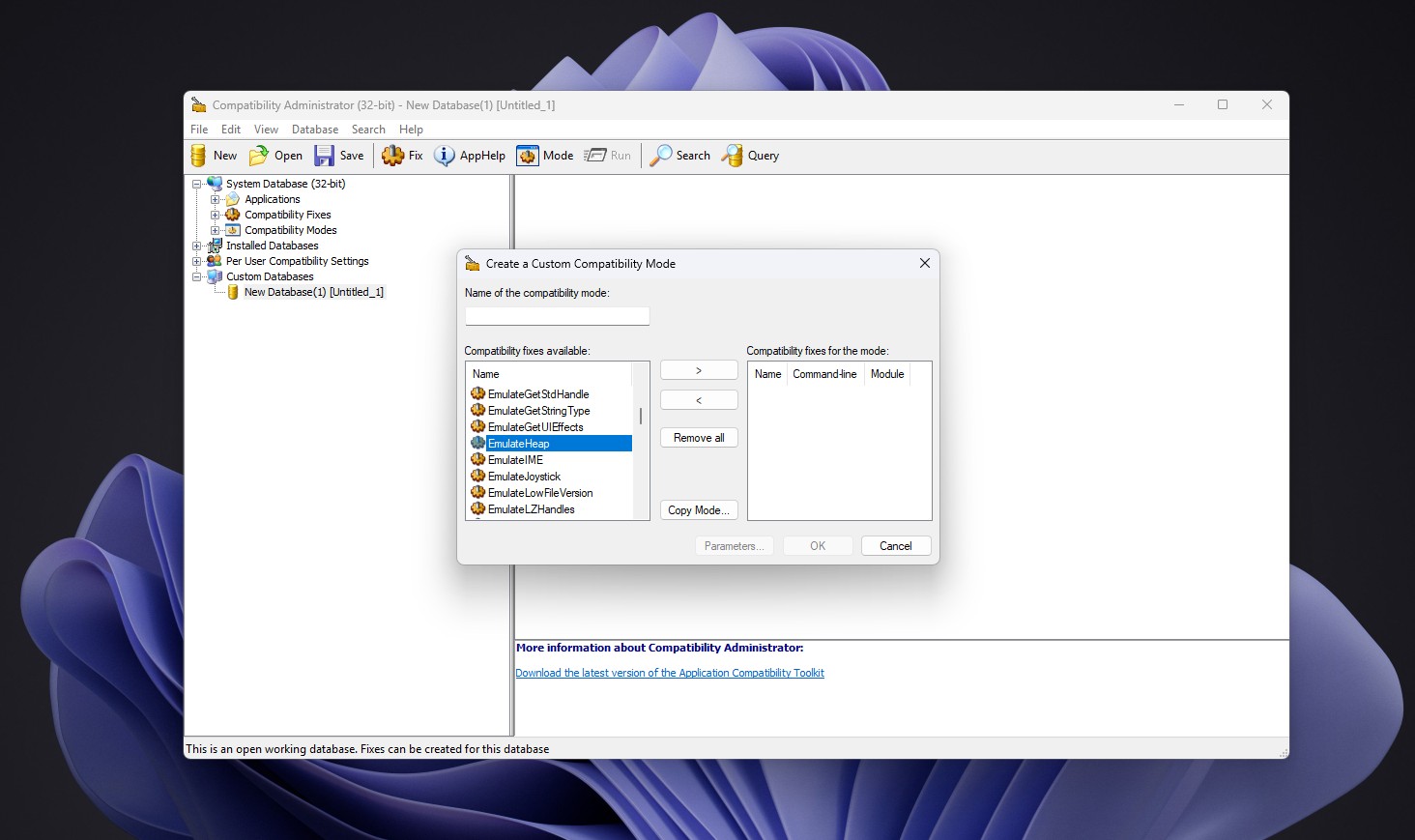
Review the available compatibility fixes and locate EmulateHeap.
EmulateHeap Has Modern Limitations
The presence of a compatibility fix does not guarantee that it will work correctly in every situation. Following the Windows 11 22H2 update, users reported that enabling the shim caused games such as GTA: Vice City to lose audio, while Need for Speed: Most Wanted could crash.
MS is replacing the Windows 95-era Properties dialog with WinUI 3, yet it continues to retain the Windows 95 heap manager for a small number of legacy applications. That level of compatibility work did not extend to 3D Pinball, which was removed because of a 64-bit bug that the development team could not justify spending several days fixing.