
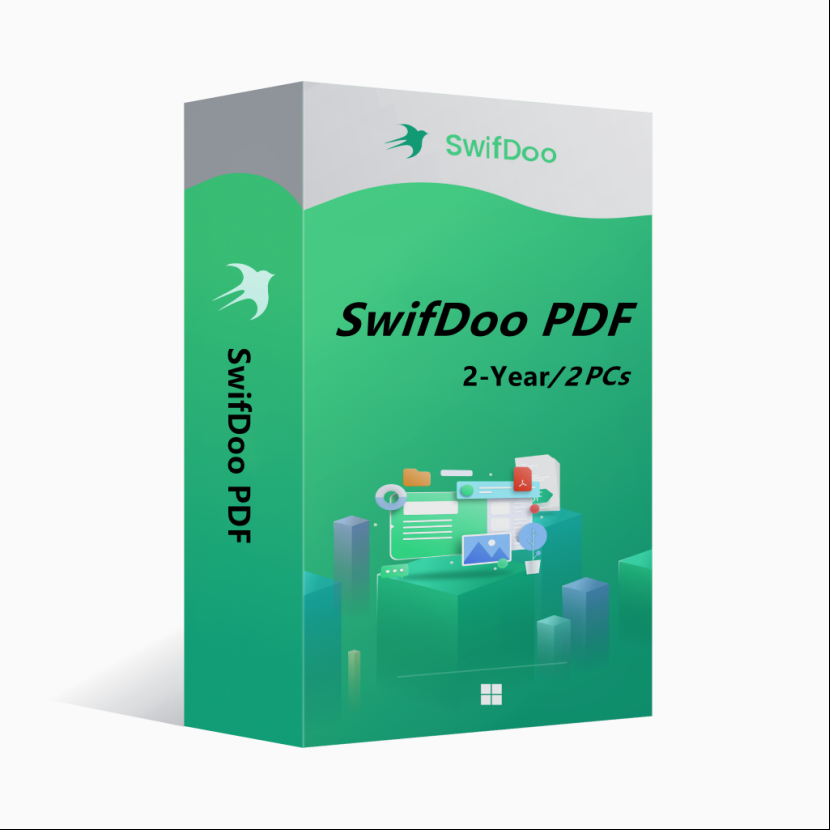
80.57USD


Customize Your Bundle
SwifDoo PDF is an all-in-one PDF editor. The program actually contains a lot of other PDF tools. Along with the editor feature, there are a variety of options to convert PDFs into more editable formats such as Word and PowerPoint files, and you can save space by combining individual PDF documents into one file.
Key features of SwifDoo PDF include:
l View and edit PDF documents.
l Compress PDF documents.
l Convert PDF files to other formats.
l Split and merge multiple PDF files.
l Sign and password protect PDF documents.
l Add/Remove watermarks to PDF documents.
l OCR
OS: Win 11, 10, 8, 7, and XP (32 & 64)
License Type: 1 license for 2 PCs
The activation code is the "2-Year Pro" license, which supports 2 PCs with version upgrade protection. In such case, you need not to pay additional fee to upgrade the current version to each later version within 2 years.
To install SwifDoo PDF:
Run the setup program -> Accept License Agreement -> Select destination location -> Follow the installation guide -> Finish
Online Registration
After acquiring a SwifDoo PDF license key, visit and login the https://www.swifdoo.com/usercenter and hit the "Redeem Activation Key" option. At this time, you need to copy the activation code above and paste it into the blank space of the "Activation Key" section, then press the "Activate" button. By doing these, you have finished the online activation.
Notes
For a successful registration, please make sure no blank is left in any location of the license code.